Console-based Calculator
Read at your own pace. Code execution, quizzes, progress tracking, and the AI tutor are available in the interactive view with JavaScript enabled.
Your First Utility
From project mindset to project shipped
In Introduction to C++ Projects, you practiced thinking in small slices: define a target, build a loop, keep structure readable, and improve quality as you go.
Now we'll apply that to a portfolio-friendly mini project: a console-based calculator.
This matters because calculators look simple, but they force you to practice real backend-style habits:
- parsing user input
- validating commands
- separating logic from interface
- handling edge cases
- creating a clean build/run loop
By the end, you'll have a small C++ program that feels complete instead of like a loose syntax exercise.

Calculator Scope
What we're building
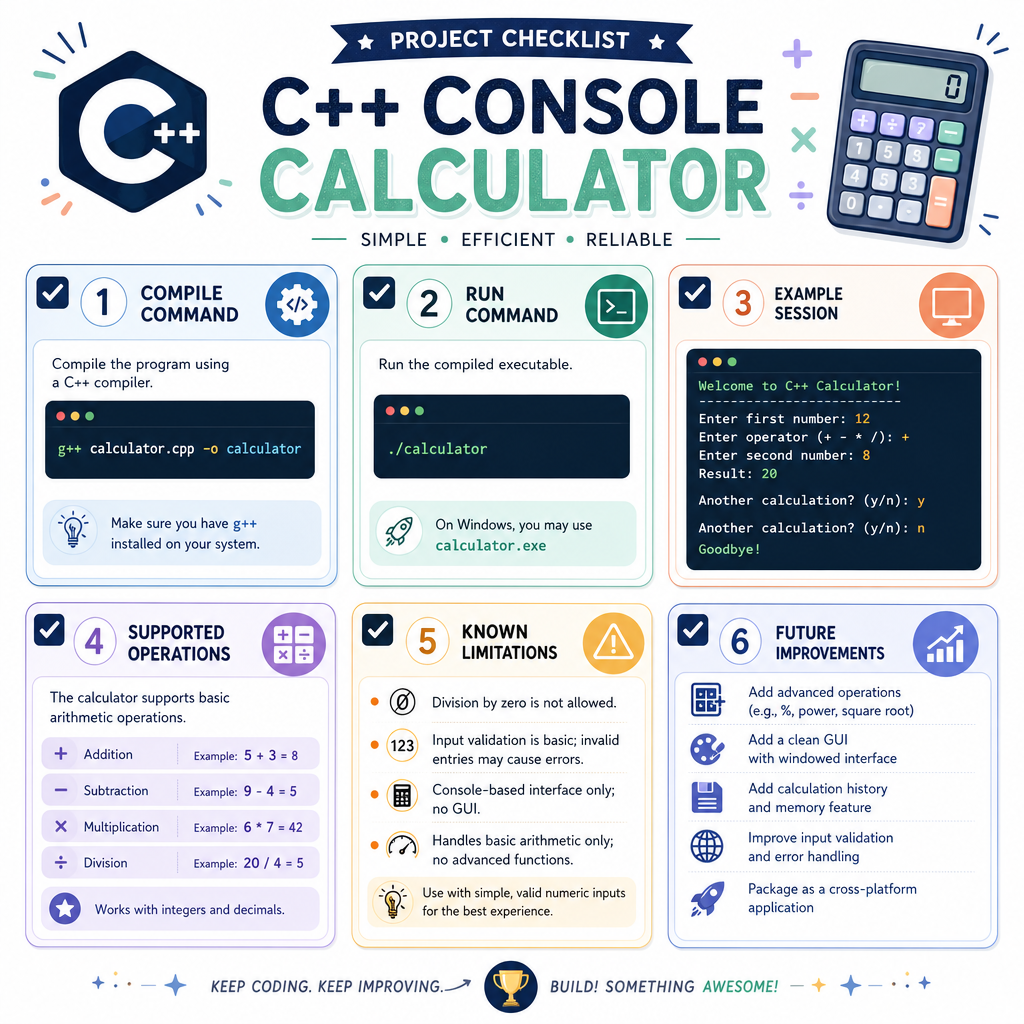
We'll build a calculator that supports:
- addition:
+ - subtraction:
- - multiplication:
* - division:
/ - repeated calculations until the user quits
- basic invalid input handling
A good project scope is specific. Instead of trying to build a full symbolic math engine, we'll focus on a reliable command-line utility.
Target interaction
Enter: 10 + 4
Result: 14

Enter: 9 / 0
Error: cannot divide by zero

Enter: q
Goodbye!
This is intentionally small, but it has a complete user journey.
Pick The Slice
First implementation slice
You're starting this calculator project from an empty main.cpp.
Which slice is the best first target?
Input Loop
Start with the interaction loop
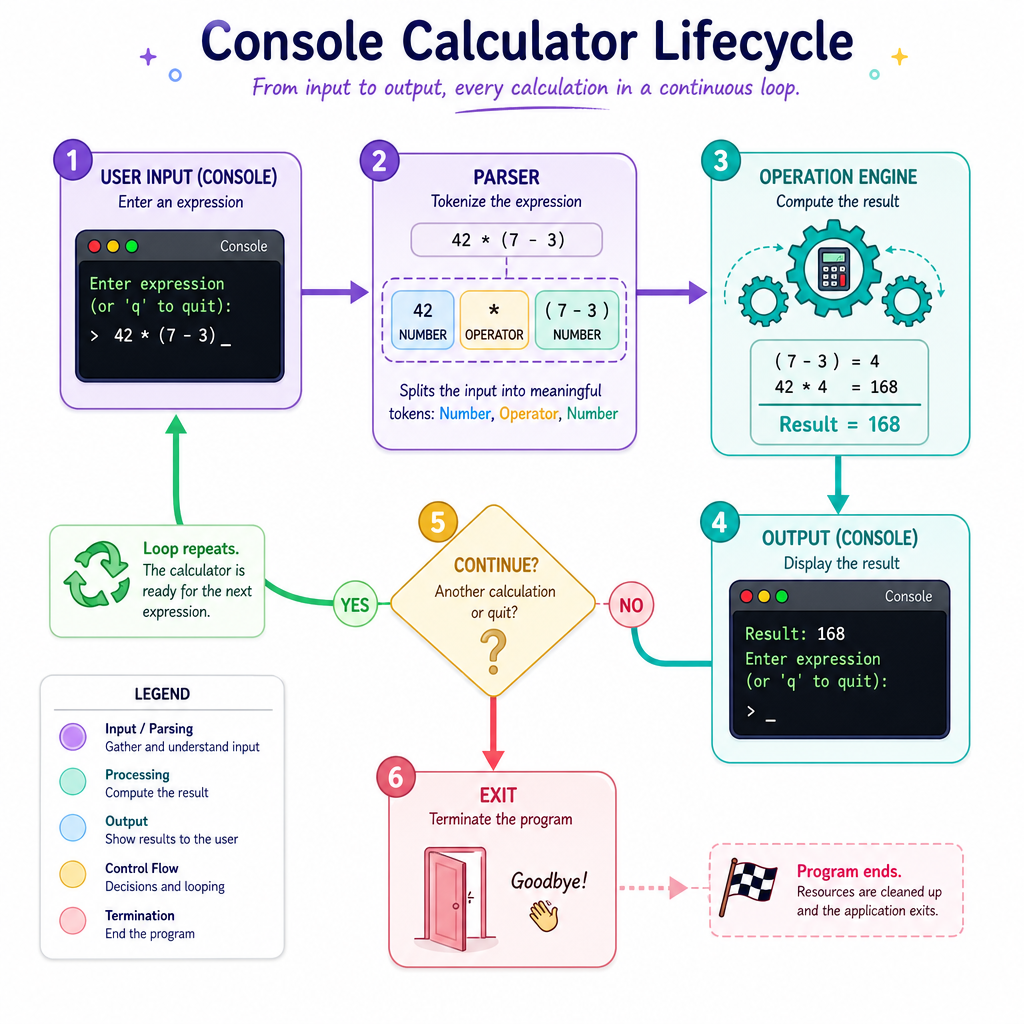
A calculator needs a rhythm:
- ask for input
- read the expression
- compute or reject it
- repeat
Before we write the full calculator, let's isolate the input shape. We'll expect expressions like:
12.5 * 3
8 / 2
That is: number operator number.
The example below uses a small list of sample inputs so it can run without typing, but the parsing style is the same one you'll use with getline(cin, line).
```cpp
#include <iostream>
#include <sstream>
#include <string>
#include <vector>
using namespace std;

int main() {
    vector<string> samples = {
        "10 + 4",
        "8 / 2",
        "bad input"
    };

    for (const string& line : samples) {
        double left, right;
        char op;
        stringstream parser(line);

        cout << "Input: " << line << "\n";

        if (parser >> left >> op >> right) {
            cout << "Parsed -> left: " << left
                 << ", op: " << op
                 << ", right: " << right << "\n\n";
        } else {
            cout << "Could not parse expression. Use: number operator number\n\n";
        }
    }

    return 0;
}
```
Operand Type
Fill in the blank
For a calculator that should support decimal values like 3.14 + 2.5, store operands using the C++ type ____.
Operation Engine
Separate calculation from input
A portfolio project looks stronger when the logic is not trapped inside one giant main().
Let's create a function that receives:
- left operand
- operator
- right operand
- output result reference
It returns true if the operation succeeds and false if it fails.
This design keeps the console interface separate from the calculation rules.
```cpp
#include <iostream>
using namespace std;

bool calculate(double left, char op, double right, double& result) {
    switch (op) {
        case '+':
            result = left + right;
            return true;
        case '-':
            result = left - right;
            return true;
        case '*':
            result = left * right;
            return true;
        case '/':
            if (right == 0) return false;
            result = left / right;
            return true;
        default:
            return false;
    }
}

int main() {
    double result;

    if (calculate(12, '*', 3, result)) {
        cout << "12 * 3 = " << result << "\n";
    }

    if (!calculate(9, '/', 0, result)) {
        cout << "9 / 0 failed safely\n";
    }

    if (!calculate(5, '%', 2, result)) {
        cout << "Unsupported operator rejected\n";
    }

    return 0;
}
```
Division Safety
True or false?
In this calculator, division by zero should be treated as a valid calculation that returns 0, so the program can continue.
Handle Bad Input
Edge cases make it feel real
A beginner calculator only works when the user behaves perfectly. A better calculator responds clearly when something goes wrong.
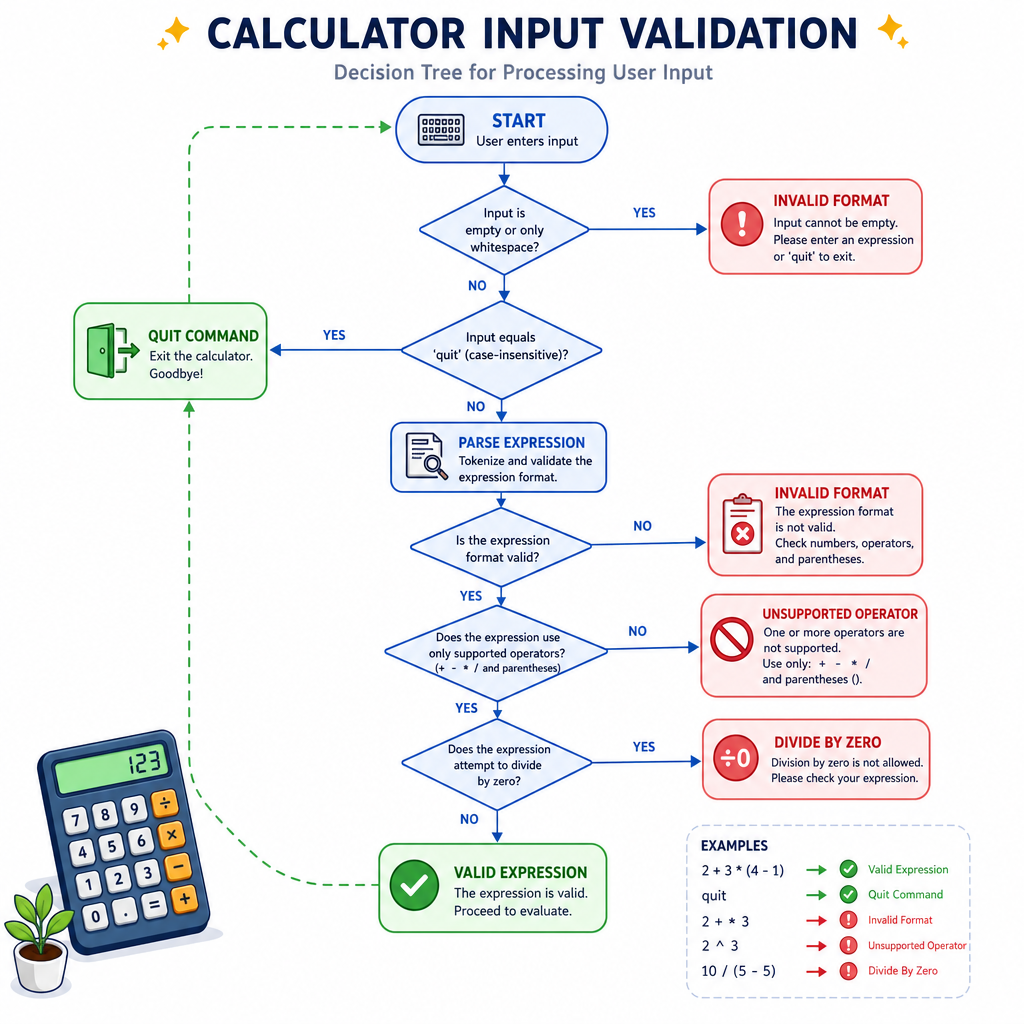
Handle at least these cases:
Input Response10 + 2
print result
10 / 0
print division error
10 ^ 2
unsupported operator
hello
invalid format
q
quit cleanly
Notice the pattern: the program doesn't crash, freeze, or silently lie. It gives feedback and returns to the loop.
That's the same reliability mindset you'll reuse in larger projects later in this section.
Complete Version
Put the pieces together
Here is a complete console-based calculator.
Portfolio note: this is still small, but it is organized enough to discuss in an interview or README. You can explain the input loop, parsing step, operation function, and error handling.
Try inputs like:
3 + 4
12.5 * 2
9 / 0
q
```cpp
#include <iostream>
#include <sstream>
#include <string>
using namespace std;

bool calculate(double left, char op, double right, double& result) {
    switch (op) {
        case '+':
            result = left + right;
            return true;
        case '-':
            result = left - right;
            return true;
        case '*':
            result = left * right;
            return true;
        case '/':
            if (right == 0) {
                cout << "Error: cannot divide by zero\n";
                return false;
            }
            result = left / right;
            return true;
        default:
            cout << "Error: unsupported operator '" << op << "'\n";
            return false;
    }
}

int main() {
    string line;

    cout << "Console Calculator\n";
    cout << "Use: number operator number  |  Example: 8 / 2\n";
    cout << "Enter q to quit.\n\n";

    while (true) {
        cout << "Enter: ";
        getline(cin, line);

        if (line == "q" || line == "Q") {
            cout << "Goodbye!\n";
            break;
        }

        double left, right, result;
        char op;
        string extra;
        stringstream parser(line);

        if (!(parser >> left >> op >> right) || (parser >> extra)) {
            cout << "Error: use format like 10 + 4\n\n";
            continue;
        }

        if (calculate(left, op, right, result)) {
            cout << "Result: " << result << "\n";
        }

        cout << "\n";
    }

    return 0;
}
```
Ship It Cleanly
Make it portfolio-ready
A tiny project can still be presented professionally. Before moving on, add a few finishing touches:
README checklist
- Project name:
Console Calculator - Short description: what it does
- Supported operations:
+,-,*,/ - How to compile:
g++ main.cpp -o calculator
- How to run:
./calculator
- Example session with input and output
- Known limitations: no parentheses, no operator precedence, no history
Good next improvement ideas
Keep these optional and scoped:
- support
quitin addition toq - format results with fixed decimal precision
- split code into
calculator.cppandcalculator.h - add simple unit-style tests for
calculate()
Next, we'll scale the same habits into a larger stateful project: a Banking System.