Introduction to Programming
Read at your own pace. Code execution, quizzes, progress tracking, and the AI tutor are available in the interactive view with JavaScript enabled.
Welcome To Programming
Why this lesson matters
This is the first step in your C++ journey. Before we install tools or write larger programs, we need a simple mental model:
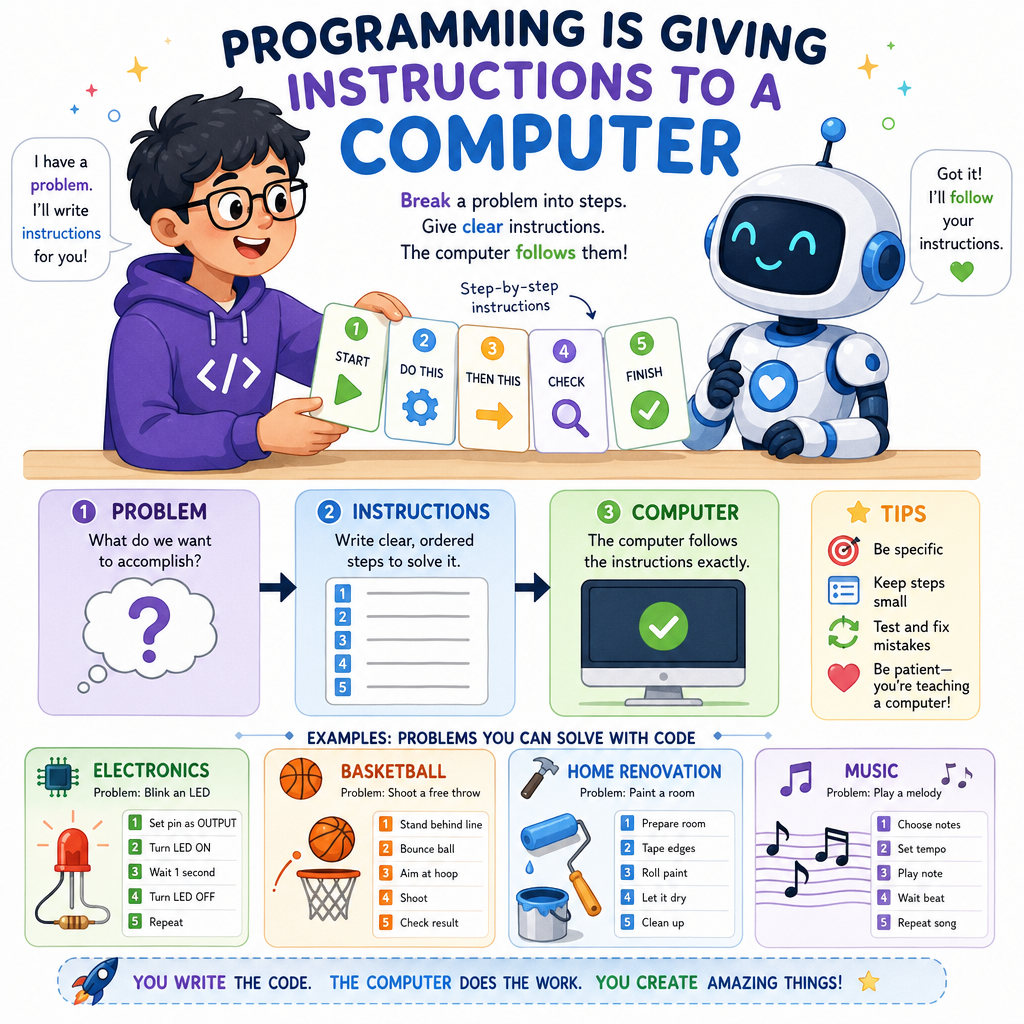
Programming means giving a computer clear instructions to solve a problem.
That problem might be practical, like calculating how much paint you need for a room, or creative, like generating a simple rhythm pattern for music practice.
In this lesson, you’ll learn what programming is, why computers need exact instructions, and how C++ fits into the bigger picture. In the next lesson, we’ll set up the development environment so you can run C++ code yourself.
Programs And Algorithms
A program is a set of instructions
A program is a list of instructions that a computer can follow.
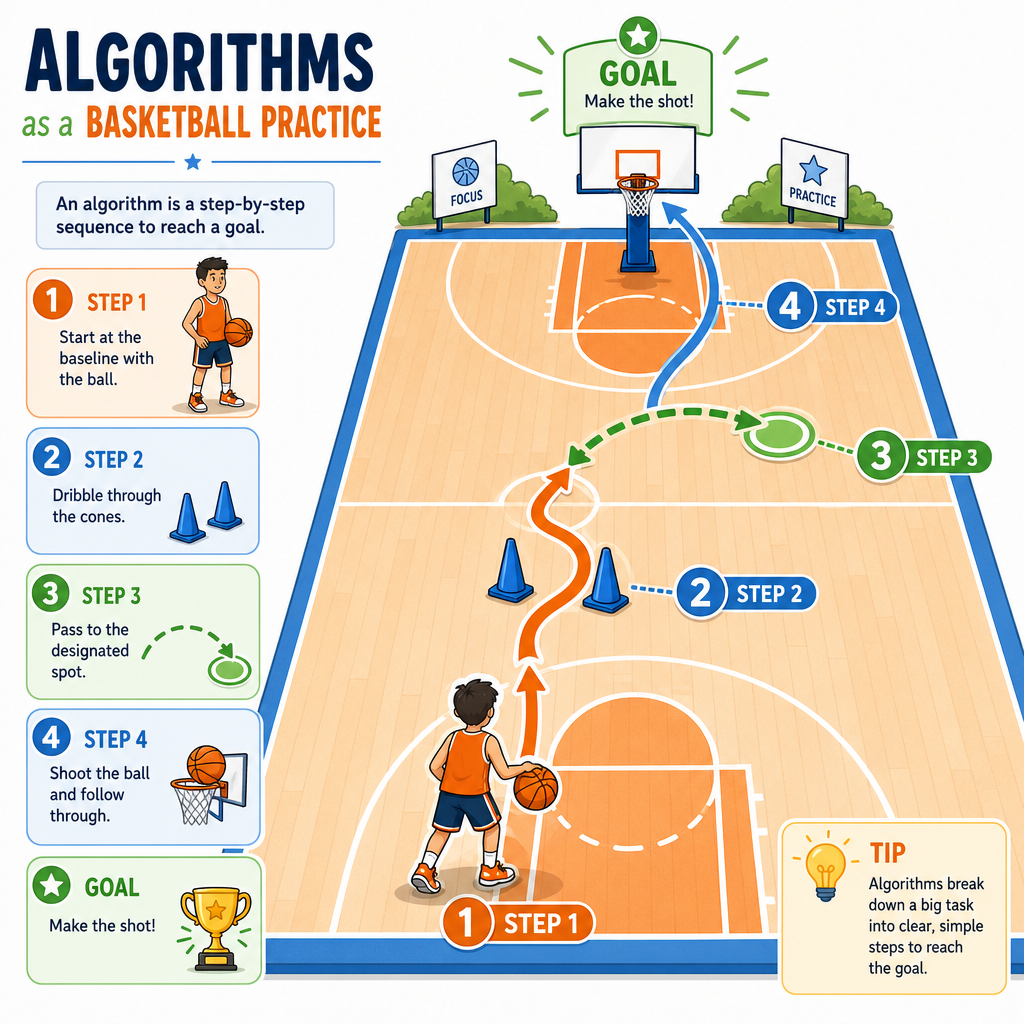
An algorithm is the step-by-step plan for solving a problem. The program is how we write that plan in a programming language.
Think about a basketball drill:
- Pick up the ball
- Dribble to the cone
- Stop at the line
- Shoot
- Record whether it went in
That is an algorithm: a clear sequence of steps.
Computers are powerful, but they are not good at guessing what you meant. They follow the instructions you provide.
A First Glimpse
C++ code looks like text with rules
Here is a tiny C++ program. Don’t worry about memorizing every symbol yet.
For now, notice the main idea: the code gives the computer an instruction to display a message.
When this program runs, it prints a line of text.
```cpp
#include <iostream>

int main() {
    std::cout << "Hello, future C++ programmer!" << std::endl;
    return 0;
}
```
Precision Check
A friend says: “Tell the computer to make my room look better.”
Why is this not a good programming instruction?
Idea To Program
The programming workflow
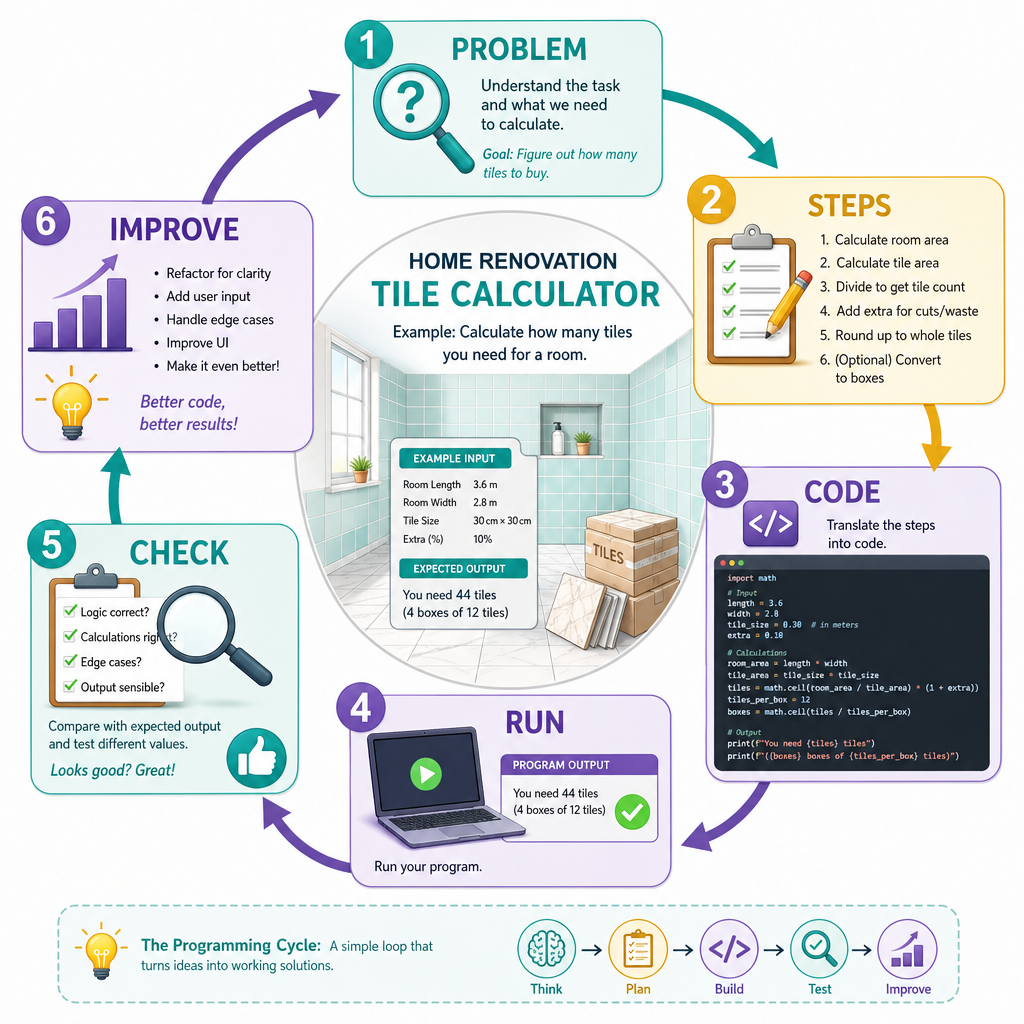
Most programming follows a pattern:
Problem → Steps → Code → Run → Check → Improve
Example: calculating renovation supplies
- Problem: How many boxes of floor tiles do I need?
- Steps: Measure the room, calculate area, divide by coverage per box, round up
- Code: Write those steps in C++
- Run: Let the computer execute the program
- Check: Compare the output with what you expected
- Improve: Fix mistakes or add features
Programming is not just typing code. It is problem-solving with very precise instructions.
Order Matters
Computers follow instructions in order
Unless we tell them otherwise, computers usually run instructions from top to bottom.
That sounds simple, but it is a big idea. In home renovation, you measure before cutting. In music, a rhythm pattern changes if the beats are rearranged.
This C++ program prints steps in the order they appear.
```cpp
#include <iostream>

int main() {
    std::cout << "1. Measure the board" << std::endl;
    std::cout << "2. Mark the cut line" << std::endl;
    std::cout << "3. Cut carefully" << std::endl;
    std::cout << "4. Install the shelf" << std::endl;
    return 0;
}
```
Literal Machines
True or false:
If a computer does exactly what your code says but not what you intended, the computer is still following the program correctly.
Why C Plus Plus
Programming languages are bridges
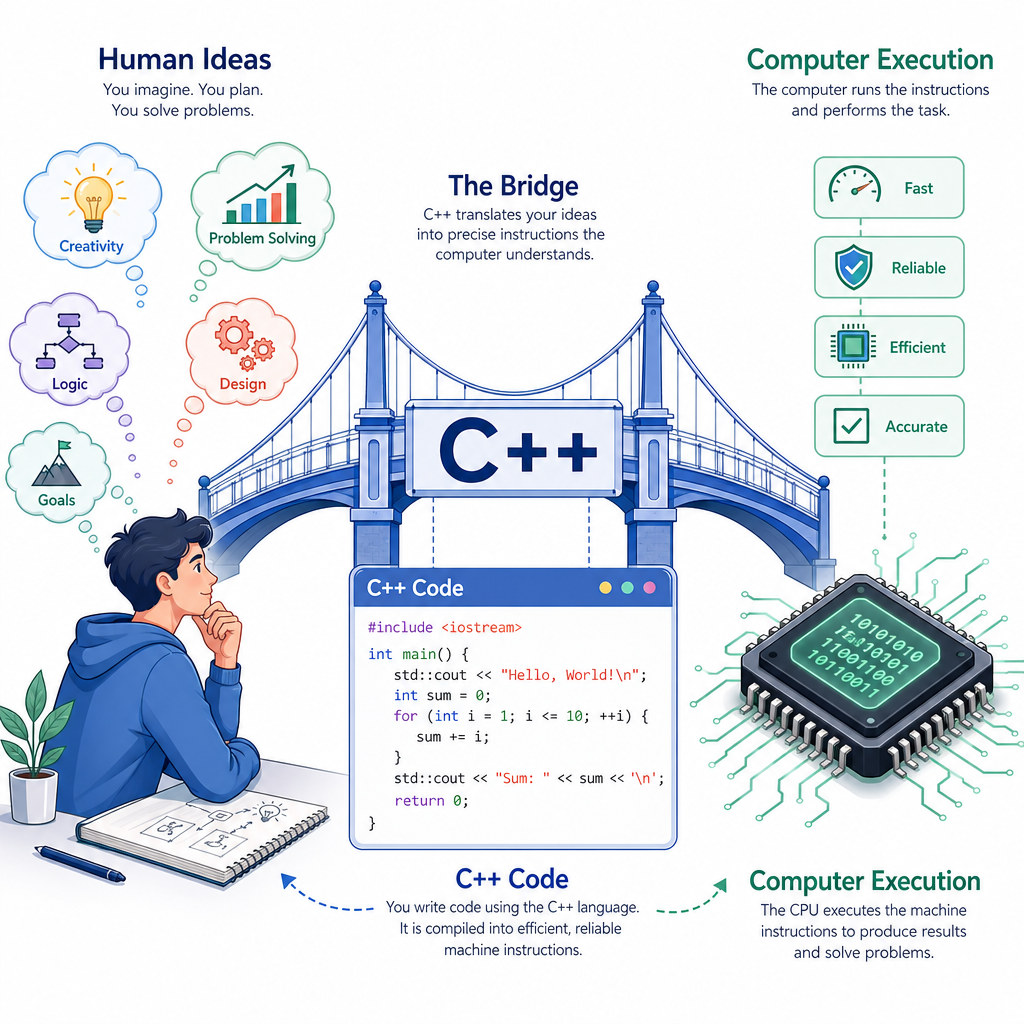
Computers ultimately work with very low-level instructions. Humans prefer readable instructions.
A programming language is a bridge between human thinking and computer execution.
C++ is widely used because it can be both:
- Fast enough for demanding software
- Flexible enough for many kinds of programs
- Close to the machine when needed, which matters in areas like electronics, games, robotics, and performance-heavy applications
You do not need to understand all of that today. For now, think of C++ as the language we’ll use to turn ideas into working programs.
Name The Plan
Fill in the blank:
A step-by-step plan for solving a problem is called an ________.
Programmer Mindset
Programming is built through small wins
Beginners often think programming is about knowing everything before starting. It is not.
Programming is more like practicing a song, improving a jump shot, or learning to wire a simple circuit:
- Try something small
- Observe what happens
- Fix one thing
- Try again
Here is one more tiny C++ program. It prints a simple practice plan. Soon, you’ll learn how to run programs like this on your own computer.
```cpp
#include <iostream>

int main() {
    std::cout << "Practice plan:" << std::endl;
    std::cout << "- Start small" << std::endl;
    std::cout << "- Read the output" << std::endl;
    std::cout << "- Improve one step at a time" << std::endl;
    return 0;
}
```