Using Computers to Solve Problems
Read at your own pace. Code execution, quizzes, progress tracking, and the AI tutor are available in the interactive view with JavaScript enabled.
From Recipes To Robots
Why this lesson matters
In Fun with Algorithms: Cooking Recipes, you learned that an algorithm is a careful list of steps.
Now we ask: How do computers use those steps to solve real problems?
A computer is like a very fast helper. It does not “magically know” what to do. We must give it:
- Data: the things it can look at
- Instructions: the steps to follow
- Checks: ways to know if the answer makes sense
This is the beginning of how data science, AI, and machine learning work: we turn messy real-life questions into clear computer-friendly tasks.

The Problem Loop
Computers solve by looping
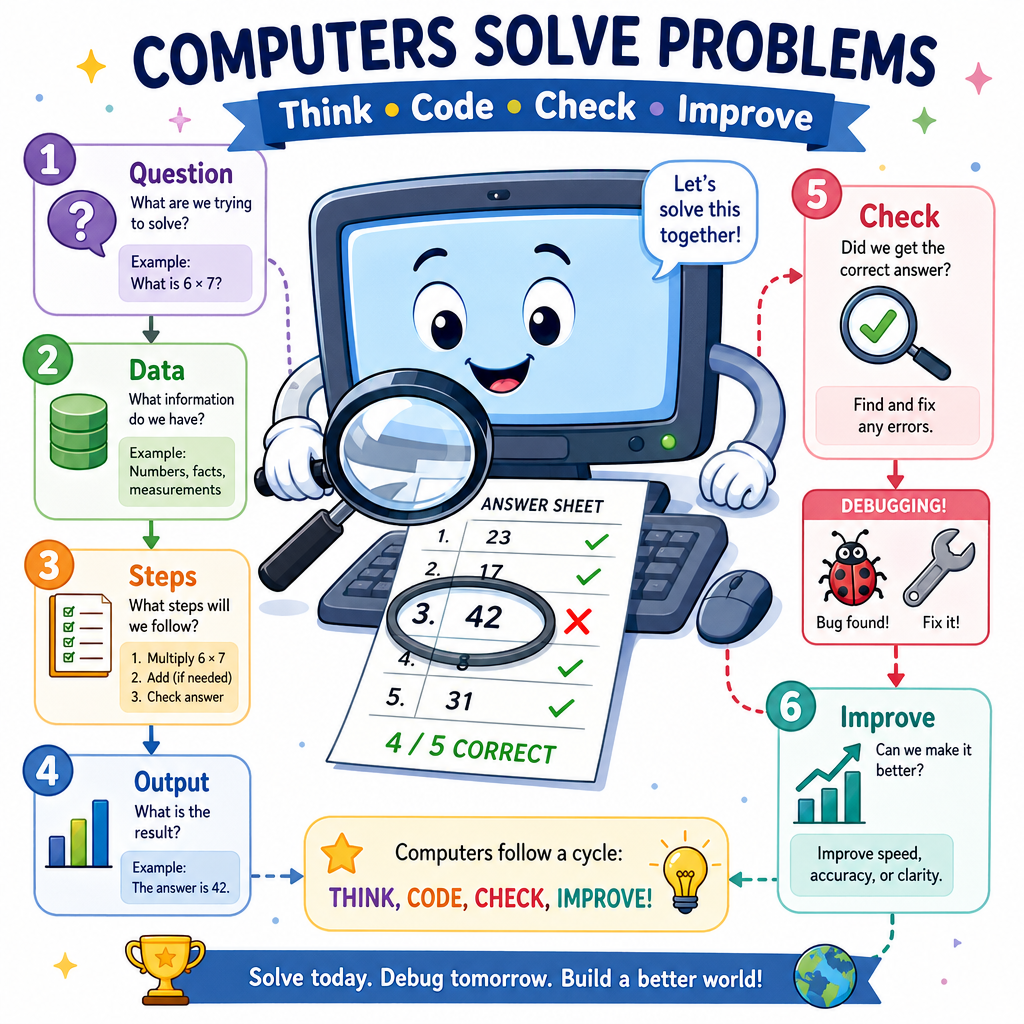
When humans solve problems, we often think, try, check, and improve. Computers can do the same pattern very quickly.
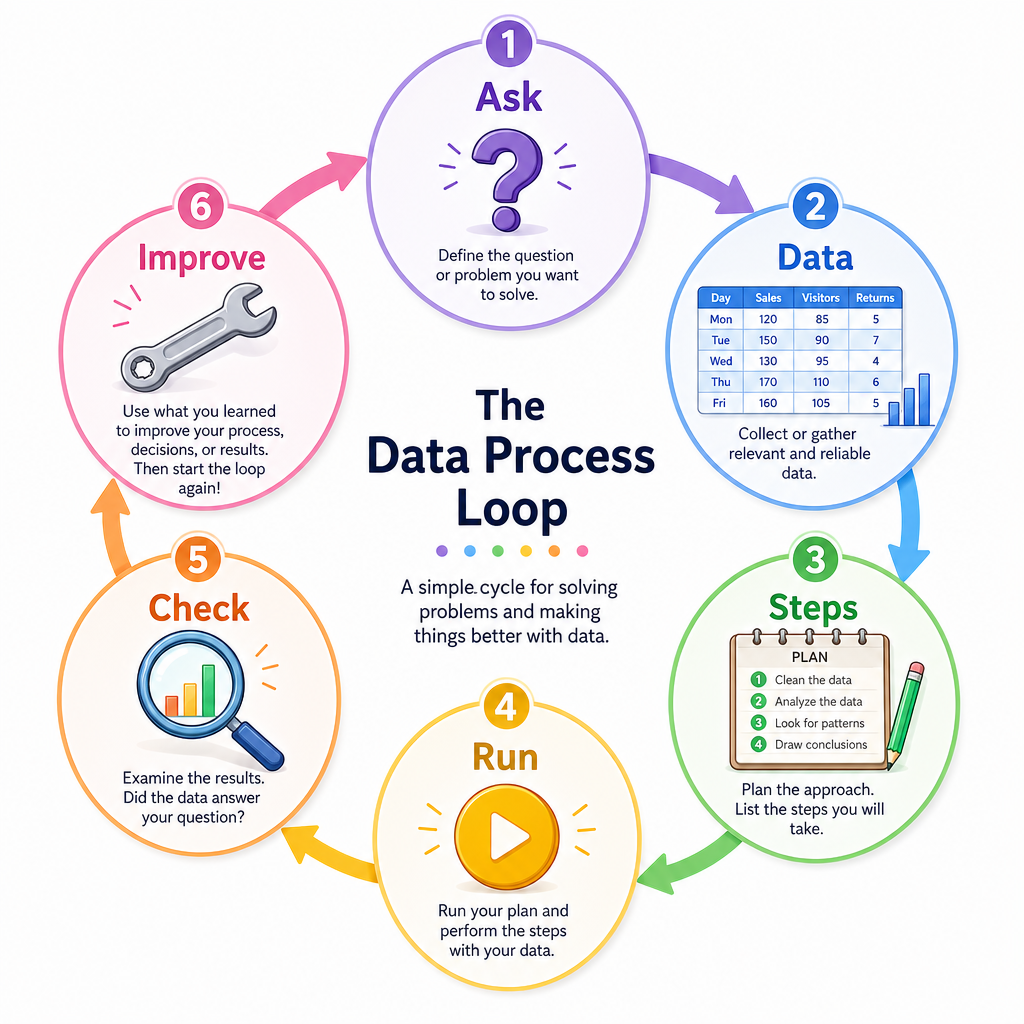
A helpful problem-solving loop is:
1. Ask a clear question
2. Collect or choose data
3. Make steps for the computer
4. Run the steps
5. Check the answer
6. Improve if needed
Example question:
“Which fruit should I buy if I want the cheapest one?”
The computer needs fruit names and prices. Then it follows steps to find the smallest price.
This connects earlier lessons:
- Numbers and Counting give amounts
- Statistics summarizes data
- Sorting reveals patterns
- Data Structures hold the data
- Algorithms tell the computer what to do
Input Process Output
A tiny computer-thinking map
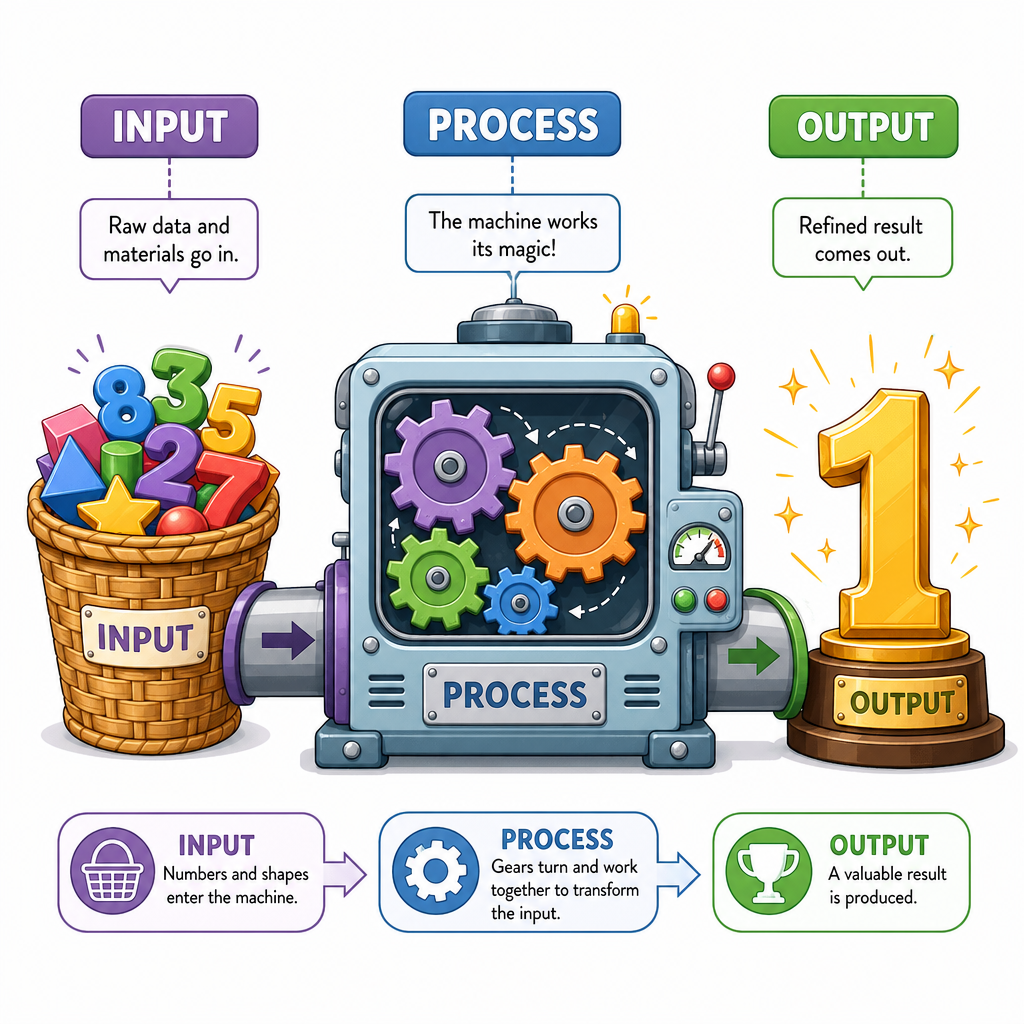
Many computer solutions can be described with three boxes:
INPUT → PROCESS → OUTPUT
Think of it like a toy machine:
- Input: what goes in
- Process: what happens inside
- Output: what comes out
Example:
Input:  [3, 1, 5, 2]
Process: find the biggest number
Output: 5
This is useful because it stops a problem from feeling huge. We do not need to solve everything at once. We ask: What do I have? What should I do? What should come out?
Find The Biggest
Let Python solve a small problem
Problem:
“Which bubble size is biggest?”
From Introduction to Statistics - Using Bubbles, you already saw that data can be a list of measurements.
Here, the computer receives bubble sizes as input, uses a simple process, and prints the output.
```python
# Input: bubble sizes
bubble_sizes = [4, 7, 2, 9, 5]

# Process: find the biggest size
biggest = max(bubble_sizes)

# Output: show the answer
print("Bubble sizes:", bubble_sizes)
print("Biggest bubble size:", biggest)
```
Choose The Map
A computer program takes a list of toy prices, finds the cheapest price, and prints it.
Which option best matches the process part?
Break It Down
Big problems become small problems
Computers are happiest when we break a problem into tiny jobs.
This is called decomposition.
Example big problem:
“Help me choose a good picnic day.”
Small jobs might be:
- Look at each day
- Check if it is rainy
- Check if it is warm enough
- Keep the days that are good
- Print the choices
In Python, we can put a small job inside a function. If you know Java, a function feels a bit like a method: a named mini-machine that does one job.
```python
def is_good_picnic_day(day):
    # A good picnic day is not rainy and is at least 20 degrees
    return day["rainy"] == False and day["temperature"] >= 20

weather = [
    {"name": "Monday", "rainy": True, "temperature": 22},
    {"name": "Tuesday", "rainy": False, "temperature": 18},
    {"name": "Wednesday", "rainy": False, "temperature": 24}
]

good_days = []

for day in weather:
    if is_good_picnic_day(day):
        good_days.append(day["name"])

print("Good picnic days:", good_days)
```
Tiny Jobs Help
True or false?
Breaking one big problem into smaller jobs can make it easier for a human to explain and easier for a computer to run.
Try Many Answers
Computers can try lots of possibilities
A computer is not smart in the same way a person is. But it is very fast and patient.
Sometimes we solve a problem by saying:
“Try each possible answer, and keep the best one.”
This is not always the fastest method, but it is easy to understand.
Example problem:
“Which number in the list is closest to my target?”
The computer can check every number, measure how far away it is, and remember the closest one.
```python
numbers = [3, 8, 12, 20, 27]
target = 10

closest = numbers[0]
smallest_distance = abs(numbers[0] - target)

for number in numbers:
    distance = abs(number - target)
    print("Checking", number, "distance is", distance)

    if distance < smallest_distance:
        closest = number
        smallest_distance = distance

print("Target:", target)
print("Closest number:", closest)
```
Name The Pattern
Fill in the blank.
The three-box thinking map is:
Input → ______ → Output
Check And Improve
A computer answer still needs checking
Computers follow instructions exactly. That is powerful, but it also means:
If the steps are wrong, the answer may be wrong.
So problem solving includes checking.
Good checking questions:
- Does the output match the question?
- Is the answer reasonable?
- Did we test a small example we can understand?
- Did we handle unusual cases, like an empty list or repeated values?
Mistakes are not failure. In computer problem solving, mistakes are clues. They tell us what to improve next.
Next, you will zoom in on coding ideas with colors and compare how Python and Java can express instructions.