Coding with Colors - Intro to Python and Java
Read at your own pace. Code execution, quizzes, progress tracking, and the AI tutor are available in the interactive view with JavaScript enabled.
From Recipes To Code
Welcome back, problem solver!
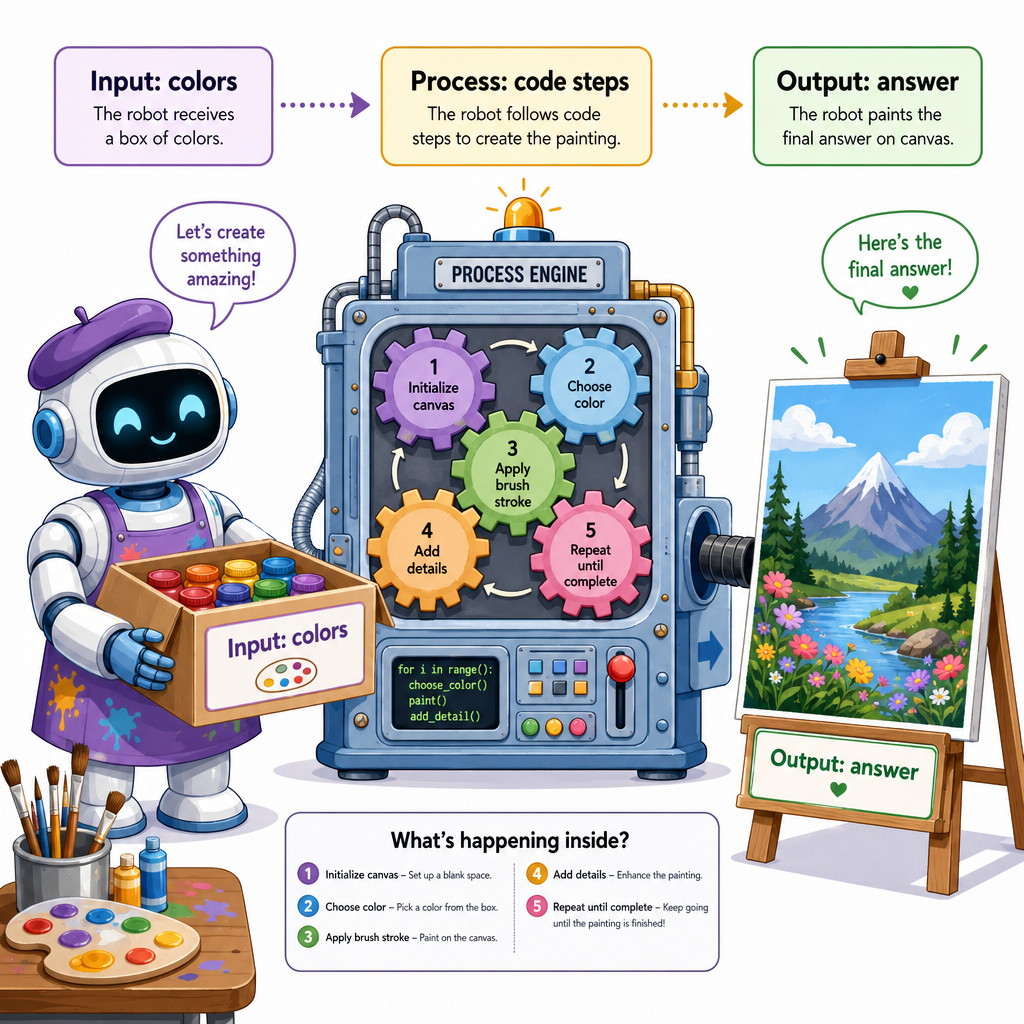
In Fun with Algorithms: Cooking Recipes, you learned that an algorithm is a clear set of steps. In Using Computers to Solve Problems, you practiced the loop:
input → process → output
Now we are ready to write those steps in a language a computer can follow.
Today, we will use colors as our tiny dataset, because colors are easy to see and remember. We will connect:
- Python: friendly, short, great for data science and AI
- Java: structured, explicit, great for large applications
- Data ideas you already know: lists, dictionaries, loops, choices, and outputs
Think of code like giving instructions to a very careful robot artist.
Two Coding Voices
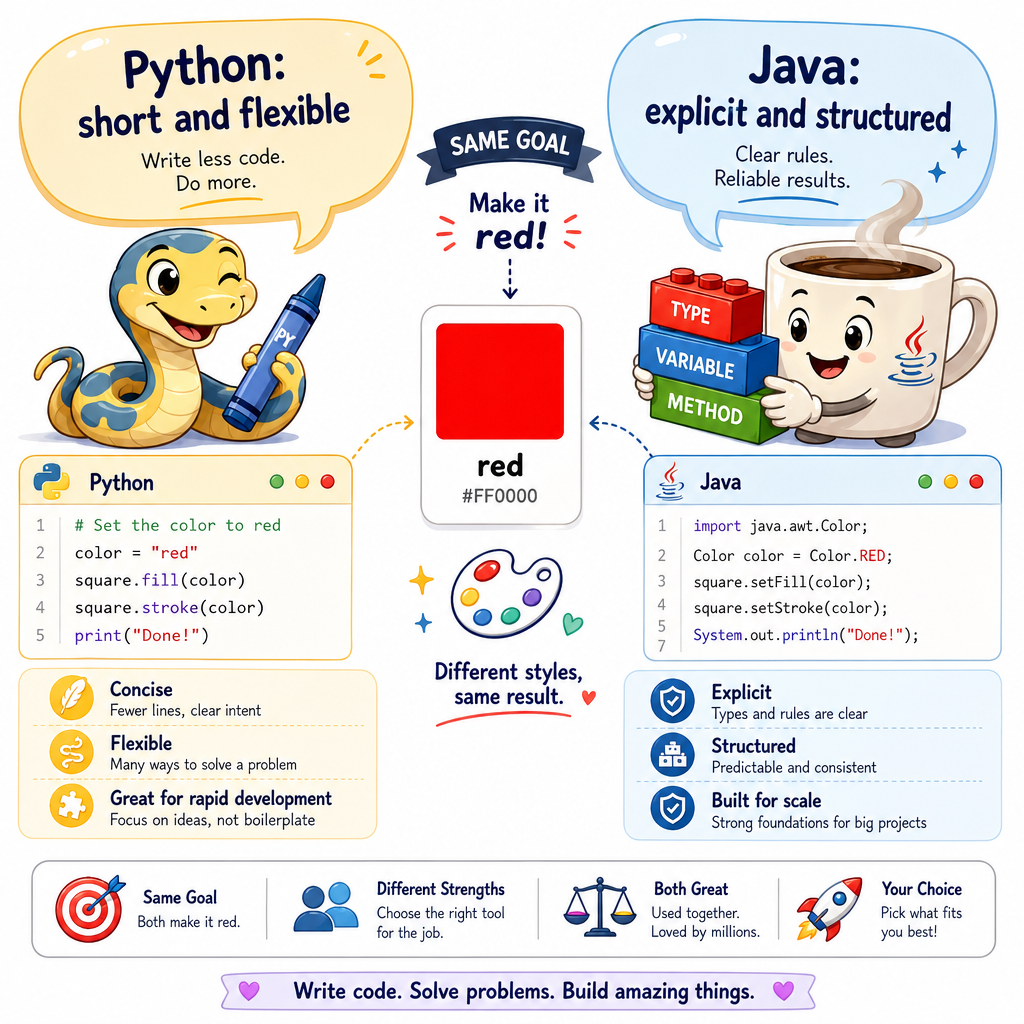
Python and Java say similar ideas differently
A computer language is like a way to talk to the computer.
If the idea is:
Store the color red.
Python might say it very simply:
- name a thing
- put a value inside it
Java usually asks for more details:
- what type of thing is it?
- what is its name?
- what value goes inside?
Tiny mental picture
Python often feels like:
color = red
Java often feels like:
String color = red
Because you already know Java basics and some Python, today we will focus on the data science style: using Python to quickly explore small pieces of data.
Colors As Variables
A variable is a labeled box
You already used containers in Building Blocks of Data Structures. A variable is the smallest friendly container: one label pointing to one value.
For our robot artist:
-
favorite_coloris the label -
'blue'is the value inside -
print()shows the value to us
In data science, variables help us name important pieces of data so we can use them again later.
```python
favorite_color = 'blue'
second_color = 'yellow'

print('Favorite color:', favorite_color)
print('Second color:', second_color)

mixed_message = favorite_color + ' and ' + second_color + ' make a bright pair!'
print(mixed_message)
```
Variable Check
A Python variable is most like which object?
A Palette List
Lists hold many things in order
In Building Blocks of Data Structures, you learned that lists keep order. That is perfect for a paint palette.
A palette may have:
- red
- blue
- green
- yellow
A loop lets Python visit each color one at a time. This is the same algorithm idea from our cooking recipe lesson: repeat a step for each item.
```python
palette = ['red', 'blue', 'green', 'yellow']

print('My palette has', len(palette), 'colors.')

for color in palette:
    print('Painting with', color)
```
Loop Truth
True or false?
A for loop can help Python do the same action once for each color in a list.
Color Clues
Dictionaries connect labels to values
A dictionary is like a sticker chart:
- a key is the sticker label
- a value is the information behind that label
For a color, we might store clues like:
- family: warm or cool
- brightness: a number
This is close to how data science thinks: each object has features, like you practiced in Exploring Data Using Colors and Shapes.
```python
color_clues = {
    'red': {'family': 'warm', 'brightness': 8},
    'blue': {'family': 'cool', 'brightness': 6},
    'yellow': {'family': 'warm', 'brightness': 9}
}

for color, clues in color_clues.items():
    print(color, 'is a', clues['family'], 'color with brightness', clues['brightness'])
```
Dictionary Blank
Fill in the blank.
In a Python dictionary, the label used to look up a value is called a ______.
Python Feels Lighter
When quickly exploring a small color dataset for data science practice, why is Python often convenient?
Tiny Coding Toolbox
What you can now do
You have connected your earlier math and data ideas to real code.
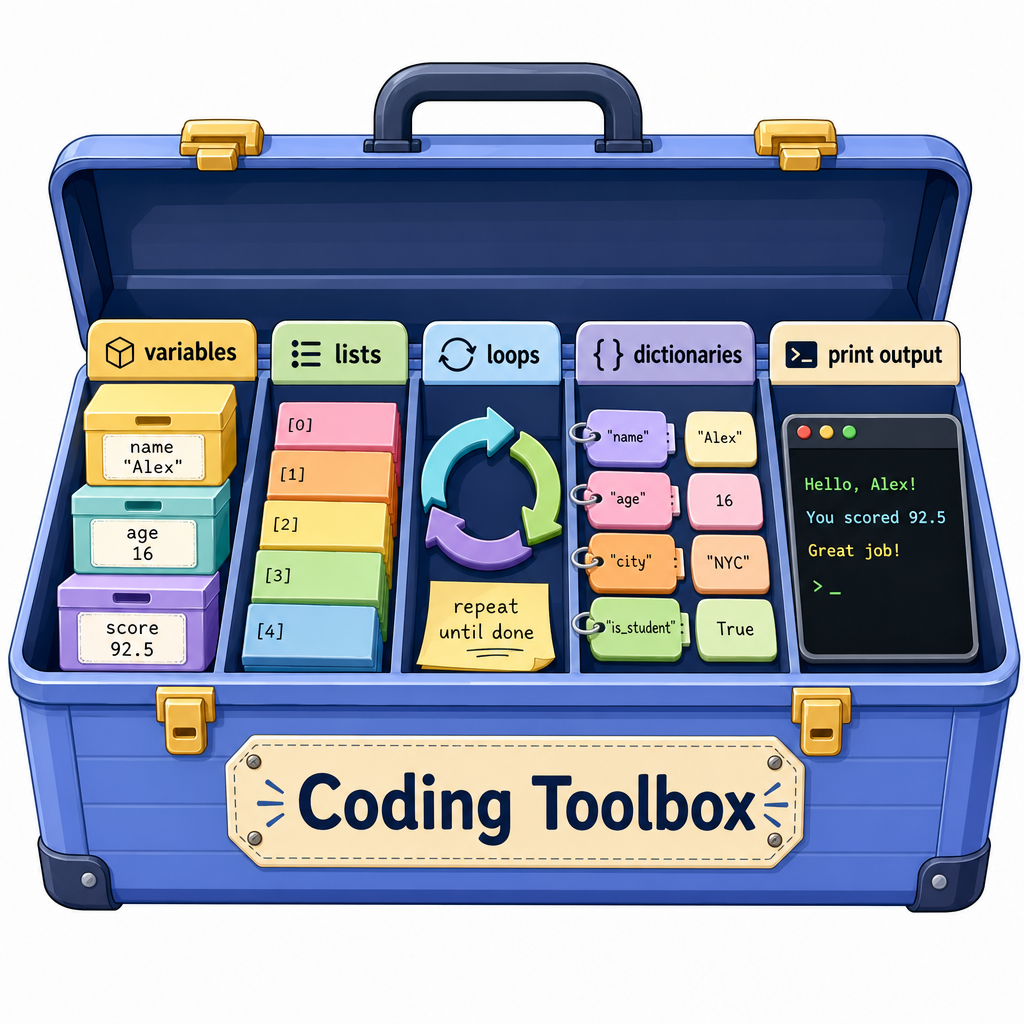
Your tiny coding toolbox now includes:
- Variables: labeled boxes for values
- Lists: ordered palettes of many values
- Loops: repeat an action for each item
- Dictionaries: labels connected to detailed clues
- Print output: a way to see what the computer did
Python and Java connection
Python and Java can both express these ideas. Python is often quicker for exploring data, while Java is often more explicit about structure and types.
In the next lesson, we will notice how numbers and data show up in everyday machines and objects around us.