Python ML Environment Setup
Read at your own pace. Code execution, quizzes, progress tracking, and the AI tutor are available in the interactive view with JavaScript enabled.
Why Setup Matters
Python ML Environment Setup
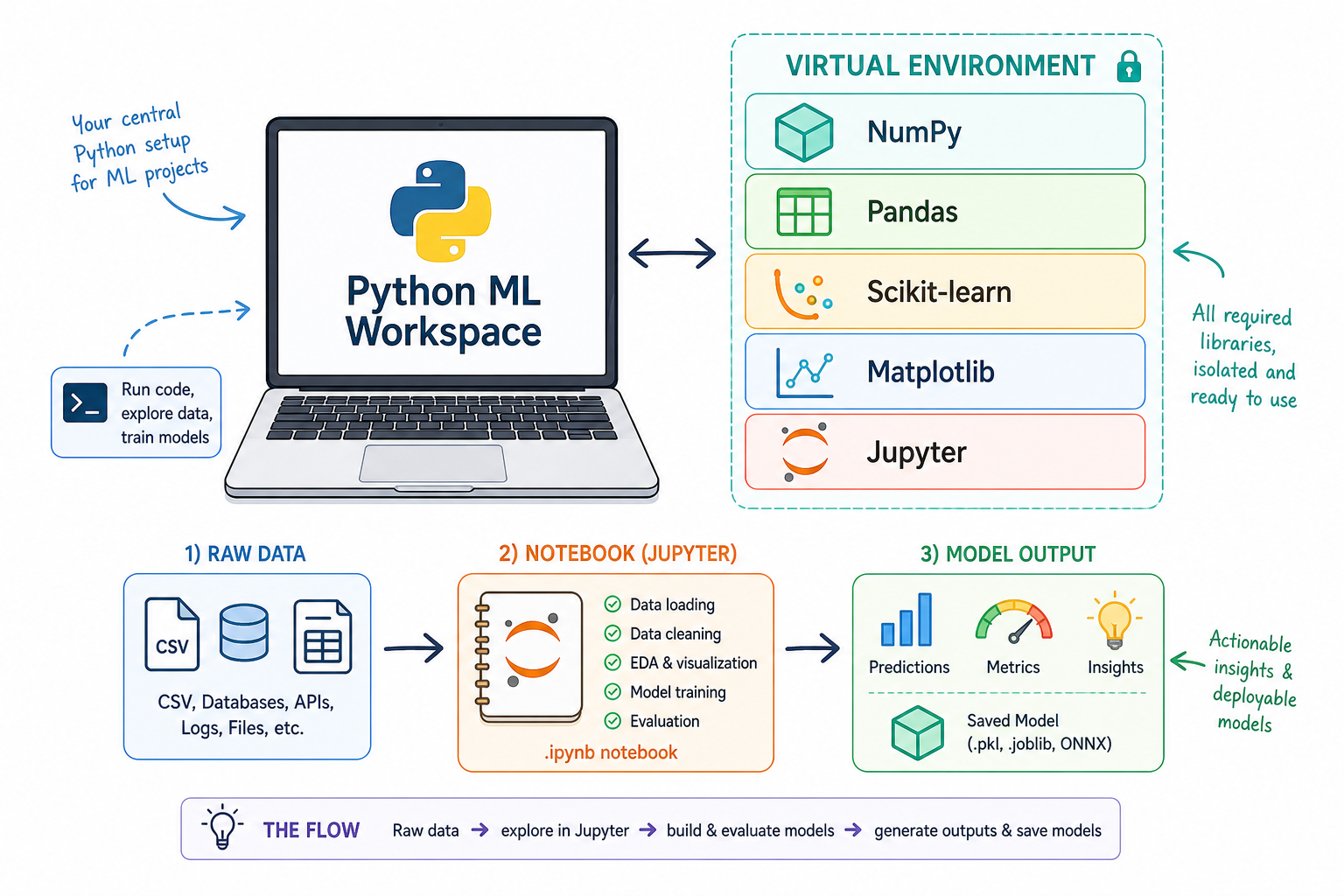
Now that we've covered the mental model of machine learning in Introduction to Machine Learning, we are ready to prepare the place where all of our future work will run: a clean Python environment.
For software engineers, this should feel familiar. Before building an API or web app, you want predictable dependencies, a runnable project structure, and a way to debug errors. ML is the same, except our dependencies include tools for arrays, tables, models, notebooks, and plots.
By the end of this lesson, you should be able to:
- Create a clean project folder for ML experiments.
- Use a virtual environment instead of polluting global Python.
- Install the core Python ML libraries used later in this course.
- Run a quick sanity check to confirm everything works.
This lesson is intentionally practical. A stable setup saves hours of confusing package and version problems later.
CONTINUE WITH ALGODAILY PREMIUM
Keep going with the complete tutorial.
Unlock the remaining explanations and exercises, alongside the full learning library.
Explore Premium →